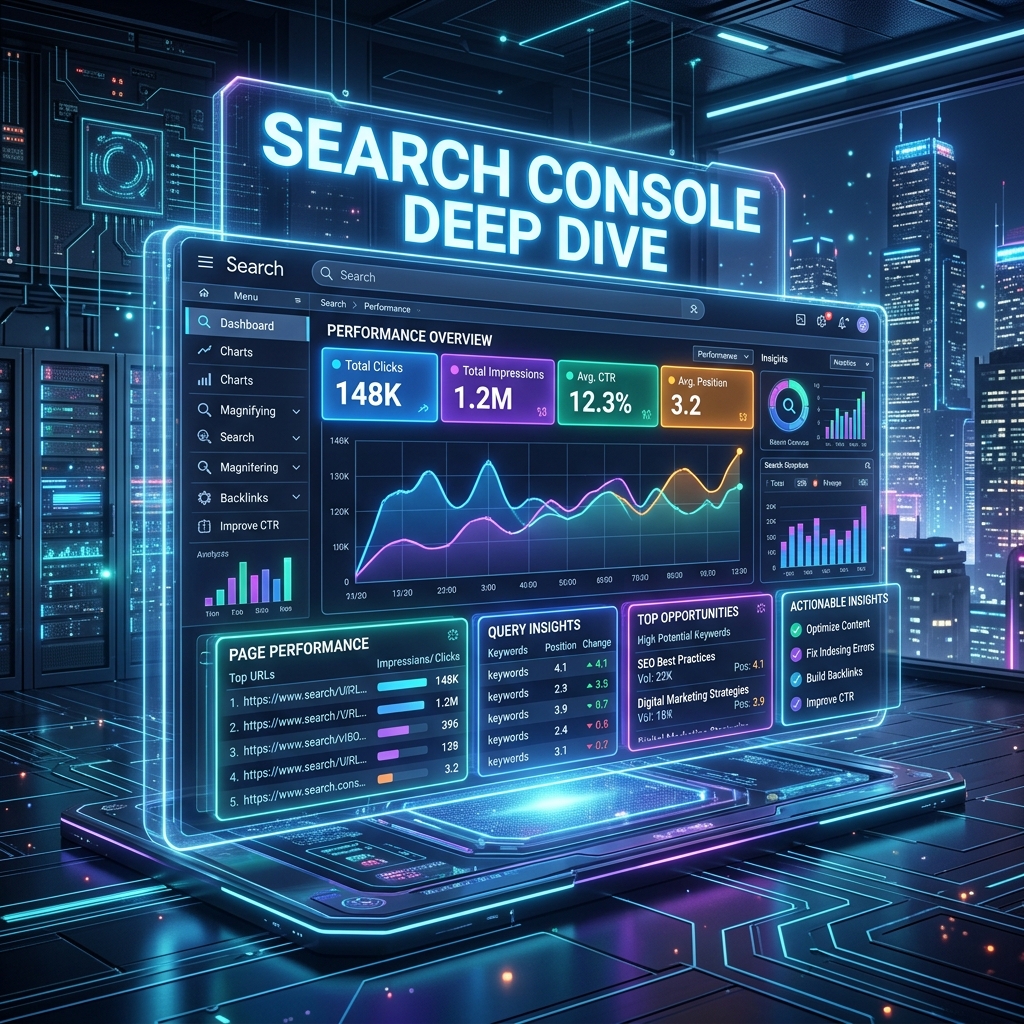
Search Console Deep Dive
Google Search Console (GSC) is the only tool where you receive data directly from Google about how your website performs in their search engine. While other tools like Ahrefs, SEMrush, or Moz provide excellent estimations, GSC is the absolute source of truth. As search evolves into the AI-first era of 2026, understanding exactly how Google interprets your pages is critical.
1. The Performance Report: Your Command Center
The Performance report is where you will spend 80% of your time. It shows you exactly what keywords users are typing into Google to find your site. As of recent updates, this report also breaks down visibility across traditional blue links, AI Overviews, and Discover feeds.
The 4 Core Metrics
- Total Clicks: How many times a user clicked your link in the search results and landed on your site.
- Total Impressions: How many times your link appeared in a user's search results. Note: If your link was on "Page 2" and the user didn't scroll down, it still counts as an impression due to Google's continuous scrolling mechanics.
- Average CTR (Click-Through Rate): The percentage of impressions that resulted in a click (
Clicks ÷ Impressions). A low CTR often means a weak title. - Average Position: Your average ranking for a specific query over the selected time frame.
2. Advanced Actionable Plays
Stop just looking at the data—start acting on it. Here are the top plays SEO experts run in 2026 to extract maximum value from GSC.
Play A: The "Striking Distance" Strategy
Find queries where your Average Position is between 11 and 20 (essentially Page 2 of Google) and your Impressions are high.
- The Execution: These keywords are in "striking distance." Go back to the page ranking for that query, add a new
<h2>section specifically answering that query, embed a relevant video or image to increase engagement, and build 2-3 new internal links to it. This is the fastest way to move from Page 2 to Page 1 and instantly double your traffic.
Play B: The Low CTR Diagnosis
Filter for queries where you rank in the Top 3 (Position 1-3) but your CTR is below 3%.
- The Execution: You are ranking high, but users aren't clicking. Your Title Tag or Meta Description is boring, or you're being outshone by a competitor's Rich Snippet. Rewrite your Title Tag to be more compelling (e.g., adding brackets like
[2026 Update], strong adjectives, or exact numbers). Watch your traffic increase without having to build new links or write new content.
Play C: Keyword Cannibalization Check
Click on a specific high-value keyword query, then click the Pages tab. Do you see two or more different pages on your website receiving a roughly equal amount of impressions for that exact same query? That's cannibalization.
- The Execution: Google is confused about which page is the primary source, so it flips between them, diluting your ranking power. You must act:
- Merge: Consolidate the weaker page into the stronger one and set up a 301 redirect.
- De-optimize: Change the focus of one page so it targets a completely different keyword variant.
3. Mastering the Indexing Report
Traffic drops are often technical, not algorithmic. The Pages report (under the Indexing tab) tells you why Google refuses to index certain pages.
Common Indexing Errors to Fix:
- Crawled - currently not indexed: Google found the page, but decided it wasn't high-quality enough to put in the index. Fix: Improve the content depth, add unique value, or fix thin content.
- Discovered - currently not indexed: Google knows the page exists but hasn't crawled it yet. Often a sign of server overload or a weak crawl budget. Fix: Ensure internal linking is strong and the page is in your sitemap.
- Alternate page with proper canonical tag: This is normal. It means Google correctly recognized a duplicate page and respected your canonical tag.
4. Pro-Tips for 2026 GSC Workflows
Pro Tip: Regex Filtering
You can use Regular Expressions (Regex) in the query filter. For example, filtering by ^(how|what|why|where) will instantly show you all the question-based informational queries your site is ranking for. This is a goldmine for understanding user intent and planning your next blog posts or FAQ sections.
Pro Tip: AI Overview Impressions
With Google heavily integrating AI Overviews (formerly SGE), standard click metrics might look different. Watch your "Position" relative to "Impressions" carefully. If impressions spike but clicks drop, your content might be used as a source for an AI Overview, answering the user's query instantly without requiring a click. Optimize for the click by creating "information gaps" that require visiting your site.