
Troubleshooting SEO Issues
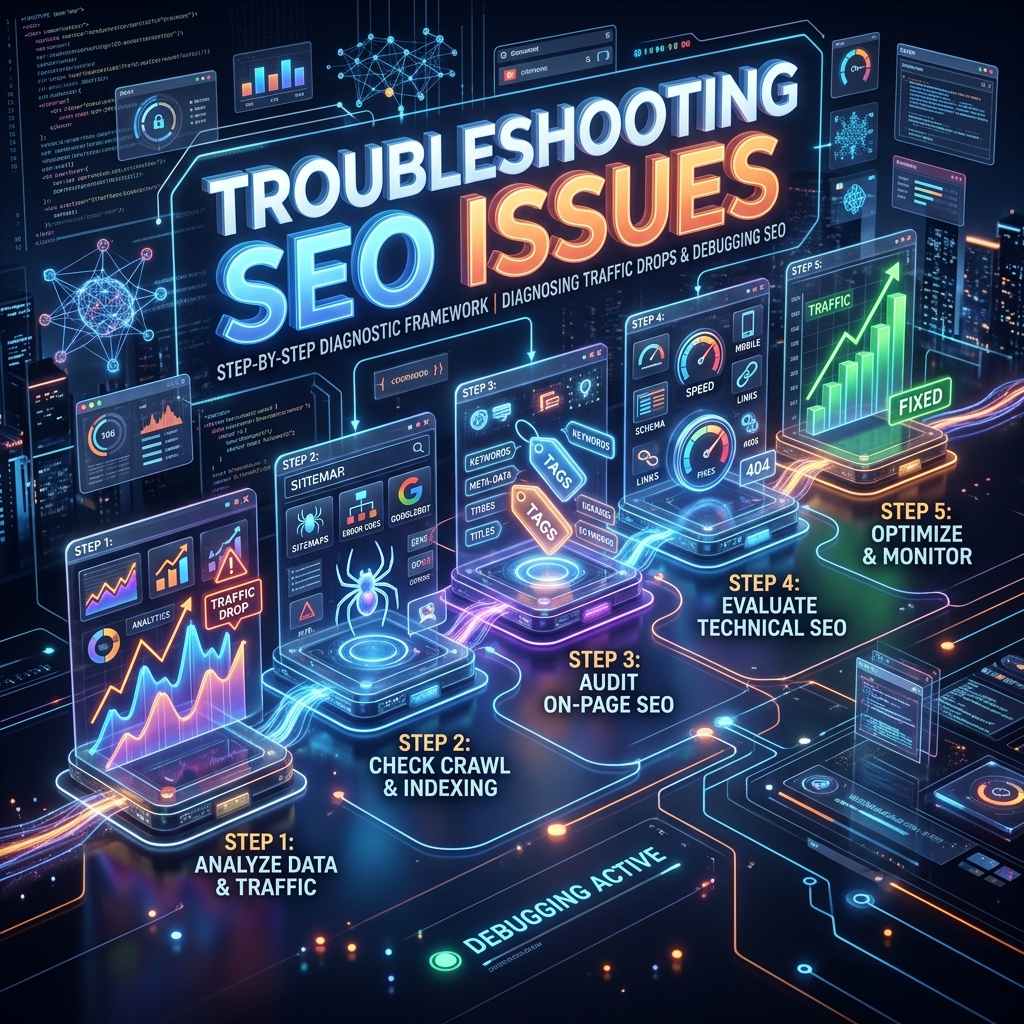
When you open Google Analytics and see a massive, terrifying drop in organic traffic, your first instinct will be panic. Panic leads to reckless, reactionary website changes that usually make the problem infinitely worse.
Professional SEOs do not panic; they diagnose. Use this step-by-step 2026 diagnostic framework to isolate the variable and execute the correct fix.
Step 1: Verify the Tracking Code (The "Is It Real?" Test)
Is it actually an SEO drop, or is it a tracking error?
Before you start ripping your content apart, make sure your analytics tool is actually functioning.
- The Check: Check your "Direct" and "Referral" traffic in GA4. If Direct spiked massively at the exact same time Organic dropped, your tracking parameters or UTM tags broke, and Organic traffic is simply being misclassified as Direct.
- The Flatline Check: If all traffic (from every source) went to zero instantly on a specific day, your SEO is fine. A developer accidentally deleted your GA4 tracking script during a deployment. Re-add the script immediately.
Step 2: Check for Manual Actions (The "Jail" Test)
Did a human at Google penalize you for spam?
- The Check: Open Google Search Console and navigate to Security & Manual Actions > Manual actions.
- The Fix: If there is a penalty listed here (e.g., "Unnatural Links", "Pure Spam", or "Thin Content"), you have a severe problem. You must systematically fix the issue (e.g., disavowing toxic links or deleting AI-spam content) and submit a formal Reconsideration Request. You will not recover until a Google employee reviews and lifts the penalty.
Step 3: Align with Core Algorithm Updates
Did Google change the rules of the game?
Google rolls out broad "Core Updates" several times a year to reassess overall quality across the web.
- The Check: Check the Google Search Status Dashboard or tools like SEMrush Sensor. Did Google roll out a confirmed Core Update on the exact day your traffic dropped?
- The Fix: If you were hit by a Core Update, do not make immediate changes. Wait 14-21 days for the update to finish rolling out completely. Once the dust settles, assess which specific pages lost rankings. The fix is almost always improving content quality to align with Google's E-E-A-T (Experience, Expertise, Authoritativeness, Trustworthiness) guidelines. You likely lost out to a site with higher topical authority.
Step 4: Identify Technical Disasters
Did a developer accidentally block Googlebot?
- The Check: Look at the "Pages" indexing report in GSC. Did the number of "Indexed Pages" plummet off a cliff?
- The Fix:
- Check your
robots.txtfile immediately to ensure you aren't blocking critical directories with a strayDisallow: /. - Check your source code for accidental
<meta name="robots" content="noindex">tags. This happens frequently when developers push code from a staging environment to the live production server without removing the noindex directives. - Run a crawler (like Screaming Frog) to ensure a recent site redesign didn't break hundreds of critical internal links, leaving pages orphaned.
- Check your
Step 5: Keyword vs. Page Level Drops (The Granular Check)
Was it just one competitor beating you, or a site-wide architectural issue?
- The Check: In GSC, set the date range to compare the 14 days before the drop to the 14 days after the drop. Sort the table by "Clicks Difference" (ascending).
- The Fix:
- Site-Wide Drop: If the entire site lost traffic evenly across hundreds of pages, it's a structural, technical, or algorithmic issue.
- Isolated Drop: If you lost 5,000 clicks, but 4,800 of those lost clicks came from one single article, you do not have a site-wide penalty. Search that specific keyword manually. You will likely see that a competitor just published a much better, newer, more comprehensive article and stole your #1 spot. You need to perform a massive Content Refresh on that specific page to win the crown back.
Seasonality & Trends
Always zoom out to a 12-month or 16-month view. If your traffic drops 40% every November, it's not a penalty—it's just seasonality. B2B software traffic always dips during Thanksgiving and Christmas. E-commerce traffic spikes. Know your industry's natural search cycles before assuming the worst.